MyStory: Designing a Video Recording Feature for Life Documentation
Overview
My Role
UX/UI Designer - Interaction Design, User Flows, Visual Design
Team
Andrés Campos, SWE & Founder
Nick Azar, Founder
Sritama Bagchi, UXD
Justin Ngo, UXD
Timeline
6 weeks, Launching Q4 2024
What's MyStory?
MyStory is a life documentation platform that helps families capture and share their stories. After launching their first MVP, the founders sought to introduce new features and revamp the platform based on user feedback.
Problem
An outdated, inaccessible design for elderly users capturing their life stories, with insufficient features to meet their life documentation needs.
Outcome
Redesigned the platform and introduced a new story capture process that balances complex features with a simple and accessible design for elderly users.
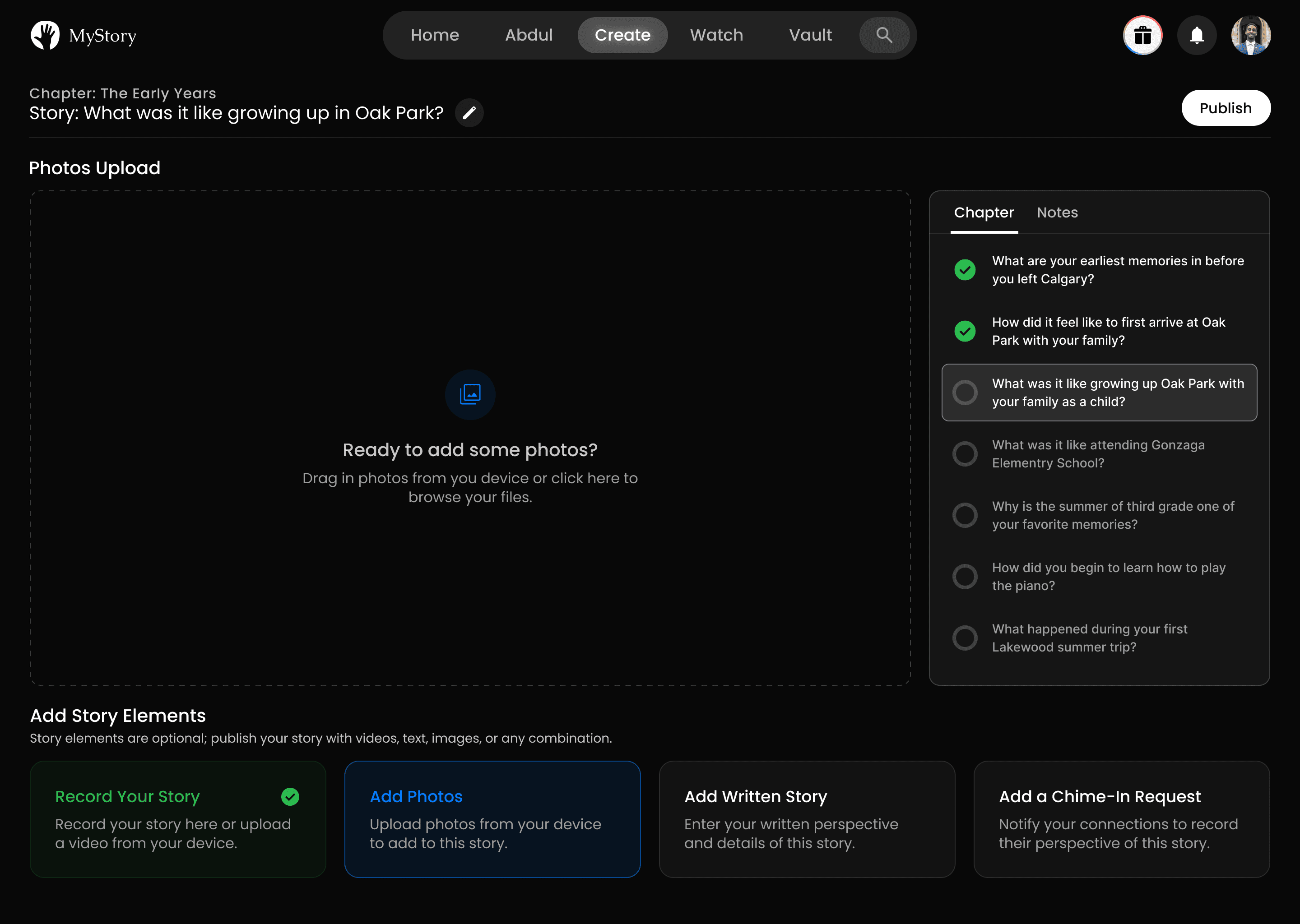
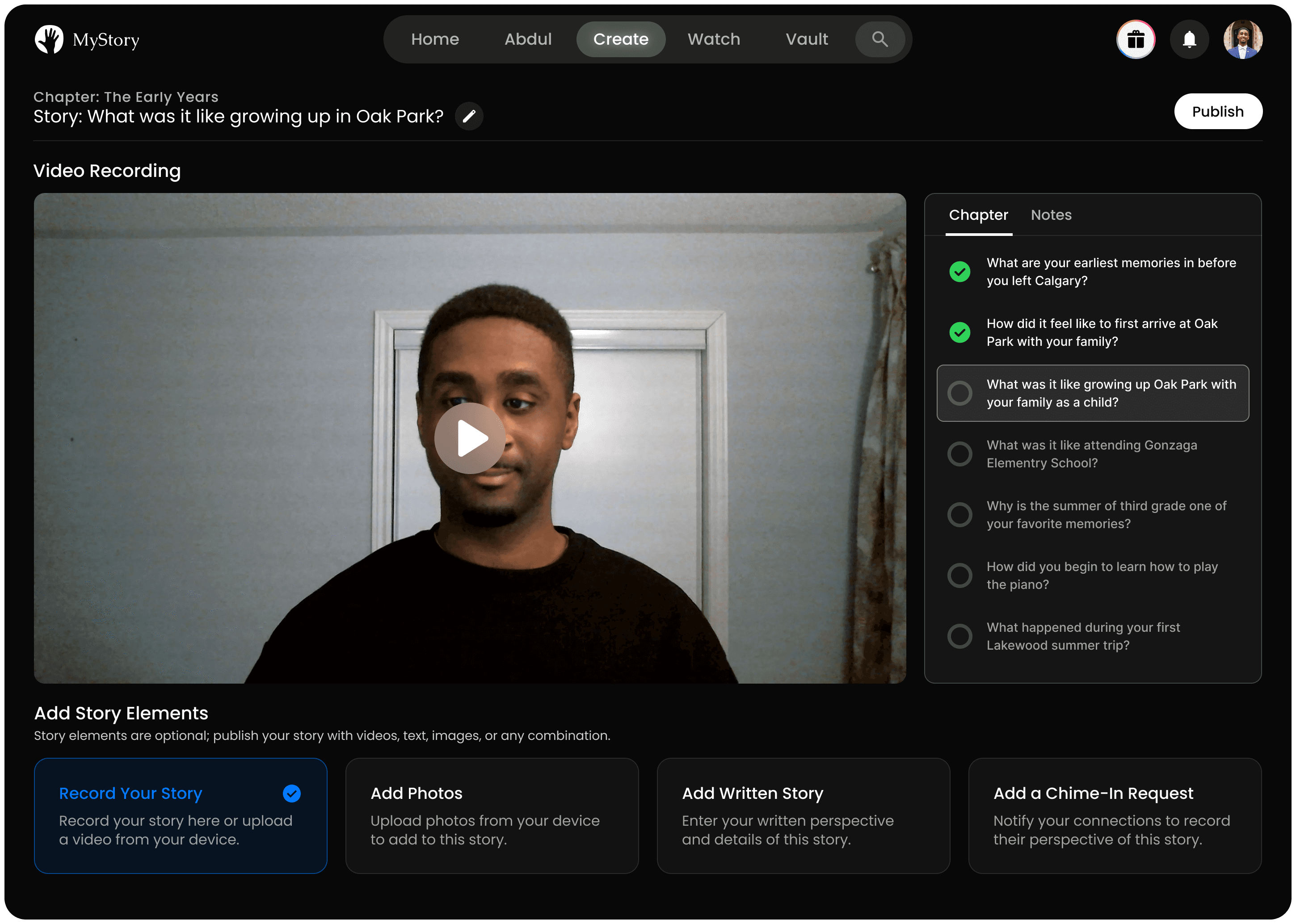
Users can now share their life stories through a seamless video recording experience
Users can attach photos to share captured moments from their stories
Users can add story details through a written account of their perspective
Research
OLD DESIGN
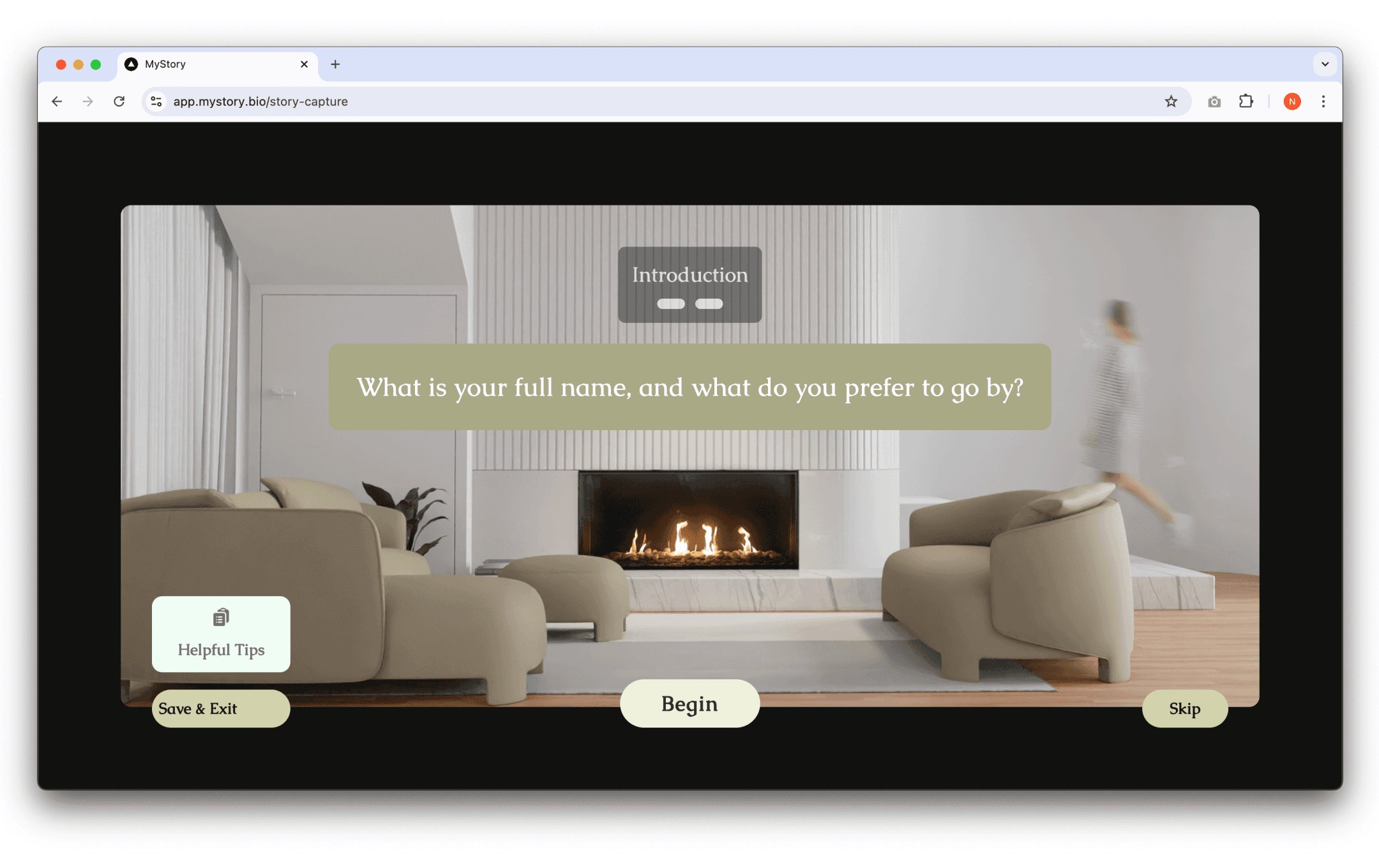
In-accessible design
Older users may struggle due to inadequate visual accessibility considerations.
OLD DESIGN

Outdated Design
The design had numerous inconsistencies, poor layout, and weak visual hierarchy.
OLD DESIGN
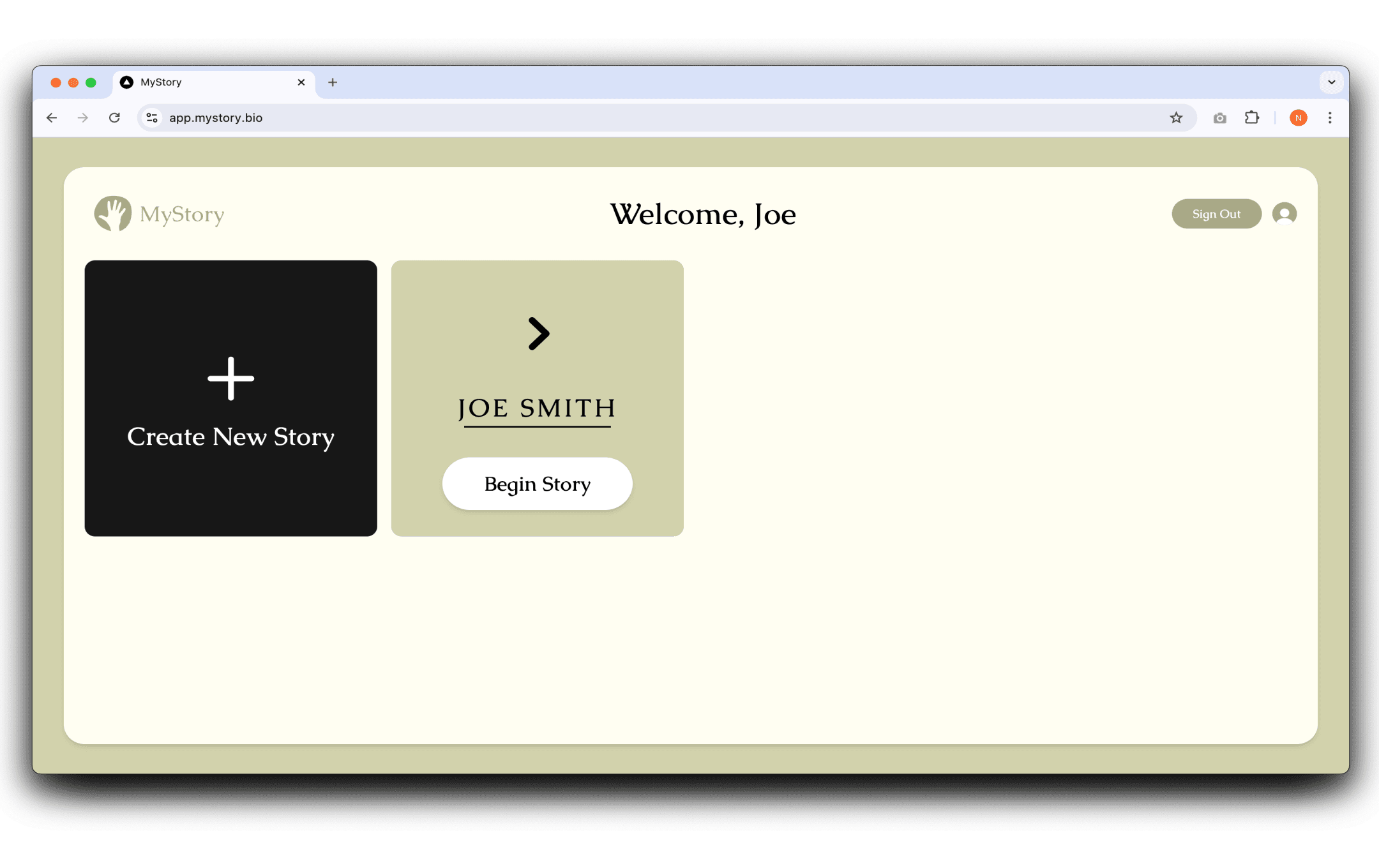
Missing Key Features
Users couldn't fully rely on the platform due to the inability to add photos or written accounts to their stories.
Business Opportunity
To create a social platform that attracts family members contribute to, increasing active users and driving monetization.
Updating Flows
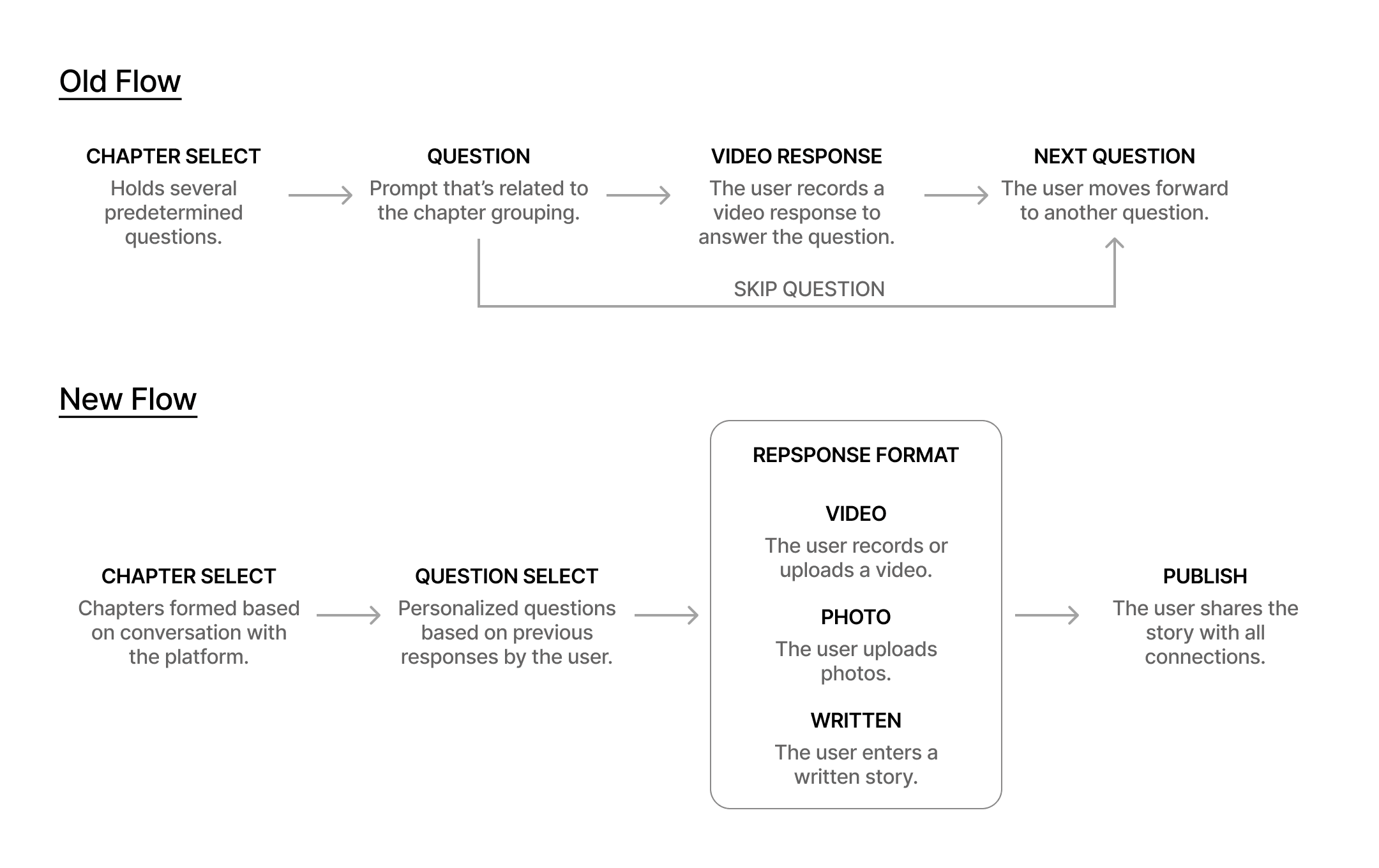
Video Recording
Users must be able to record their responses to story prompts within the platform.
Media Upload
Users must be able to upload videos and photos from their device for each story prompt.
Text Editor
Users must be able to write in a text document for their written account of the story.
Tailwind CSS Library
The developer preferred the designs to closely align with the specific libraries.
Avoid Form-like Progression
The founders wanted to avoid users feeling like they were navigating a form pages.
Design for Elderly Users
The design had to simplify features for users less skilled at navigating platforms.
Iterations
SINGLE-PAGED LAYOUT IDEATION
Content Limited to One Page
Feedback indicated that the design felt overwhelming for older audiences at first.
Including all story sections may require extra scrolling, disrupting the experience.
FIXED VIEWPORT IDEATION
Reduced cognitive load by only revealing immediate and relevant actions needed.
Organizing story content into tabs reduced visual clutter.
Still missing implementation of all the features and edge cases.
Selected Design